An illustrative dispatch story. People and events are fictional; screenshots show the Fleetune product workflow.
The customer calls just after lunch.
“Can you tell me who’s bringing our order?”
Ben searches the morning routes. North territory: nothing. East territory: nothing. He checks the order list again.
The order is there. The address is correct. But no driver has it.
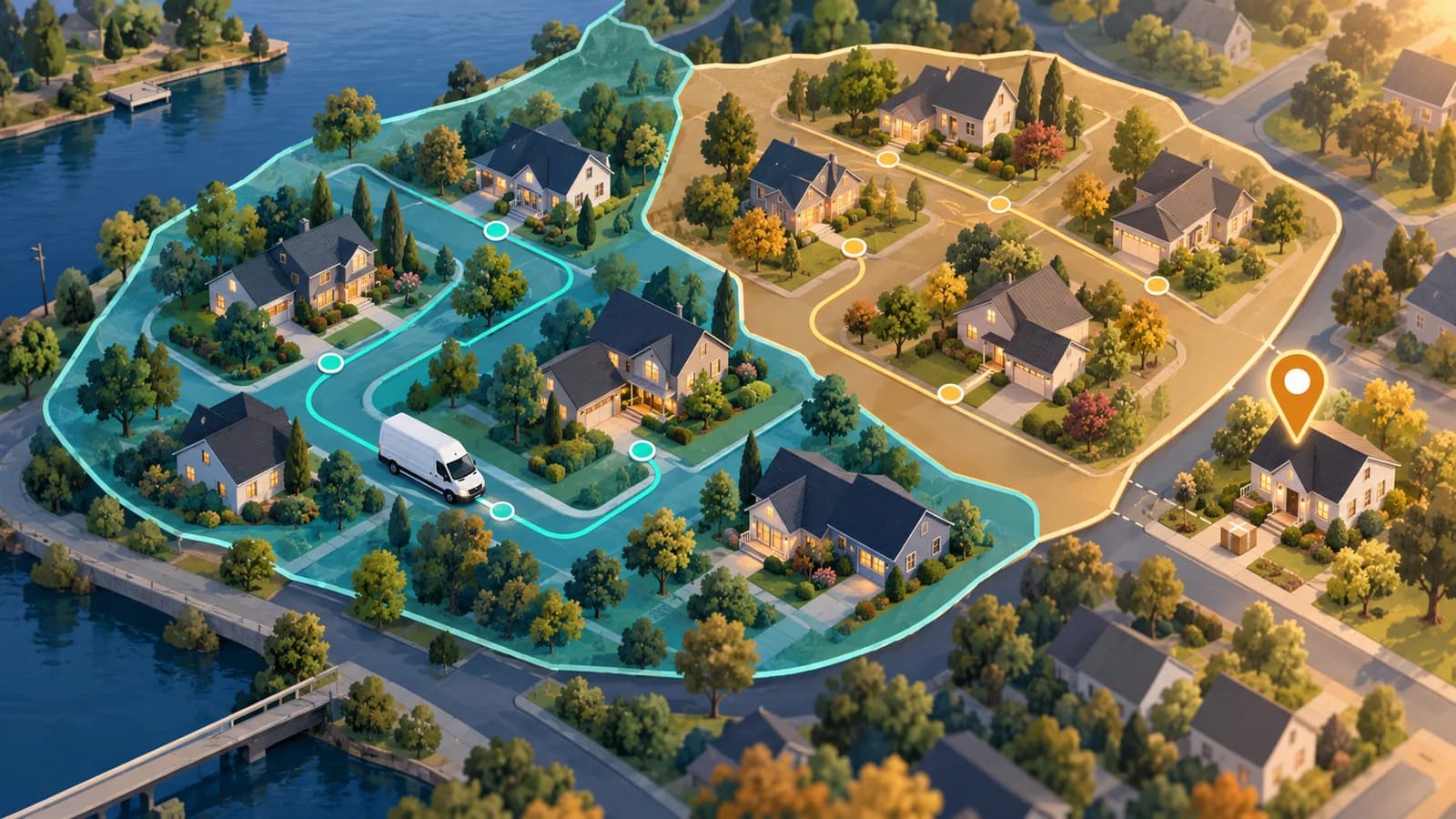
On the map, the customer sits just beyond the edge of a delivery zone. Close enough that everyone assumed someone would cover it. Far enough that it never received an assignment.
Delivery zone management gets difficult at the edges, where a clean territory map meets a changing customer list.
Familiar territories still need an exception check
Ben’s team uses fixed territories around a New Jersey warehouse. Drivers get to know the same streets, business entrances, and receiving teams.
That familiarity is useful. It also makes it easy to assume that every new order fits the existing map.
In this case, a new customer had been added after the territories were drawn. The sales team considered the address part of the service area. The dispatch configuration had not caught up.
The gap was small on screen. To the customer, it was the whole delivery.
Make unassigned stops part of the departure conversation
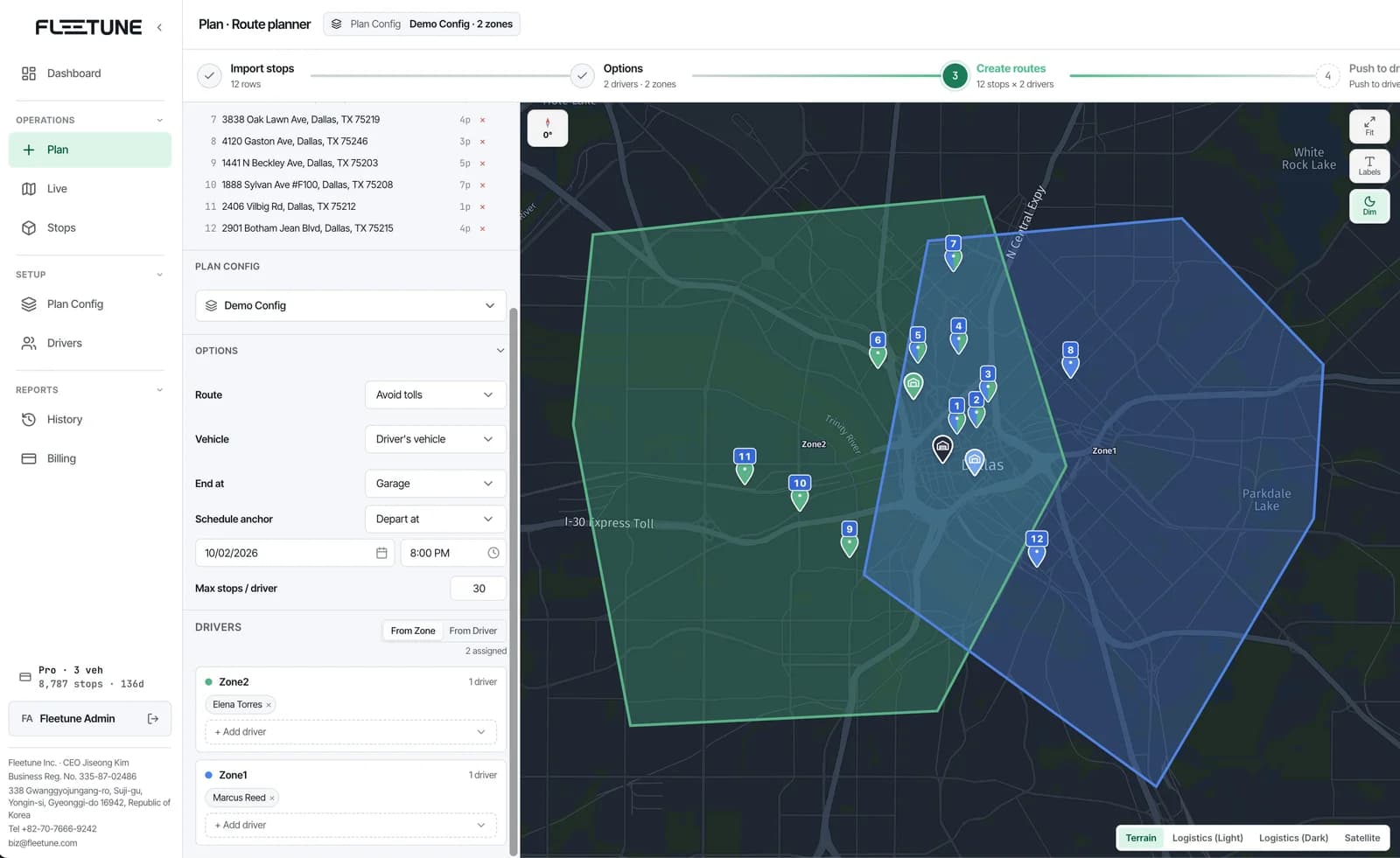
Fleetune TMS’s Zonal dispatch assigns work within configured delivery territories. When stops fall outside all zones, the workflow presents an unassigned-stop dialog.
The dispatcher can keep the generated zone routes and handle those stops manually, or discard the result and revise the setup.
Keeping the result does not mean the unassigned deliveries have been handled. They still need a decision.
Ben makes that distinction part of his morning review. A route plan is ready when every order intended for departure has an assignment, or a clear reason it is being held.
That does not require every exception to be delivered immediately. It requires someone to know what is happening next.
Fix today’s delivery, then review the boundary
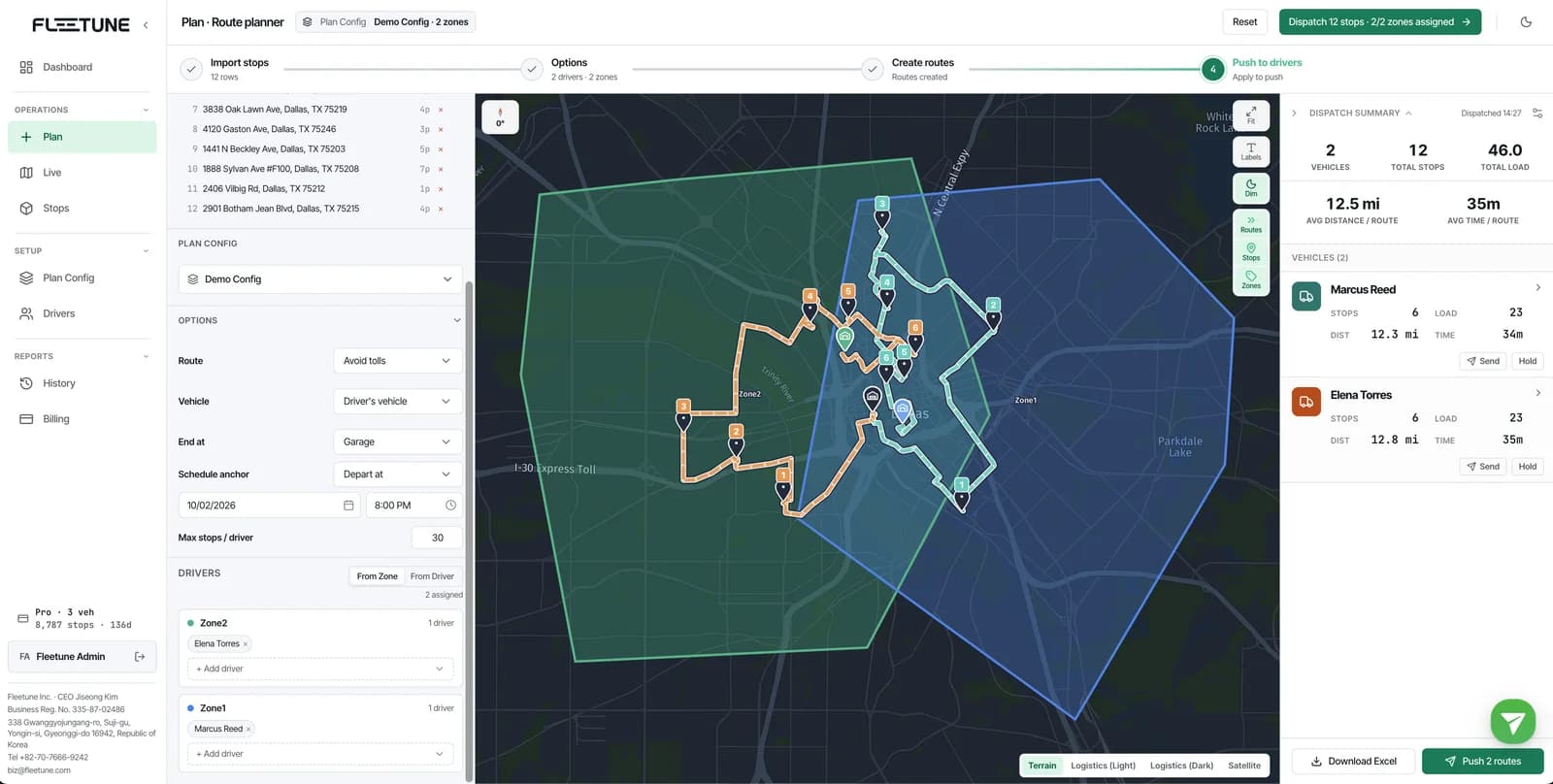
For an out-of-zone order that belongs in today’s service area, Ben first checks which route can reasonably take it.
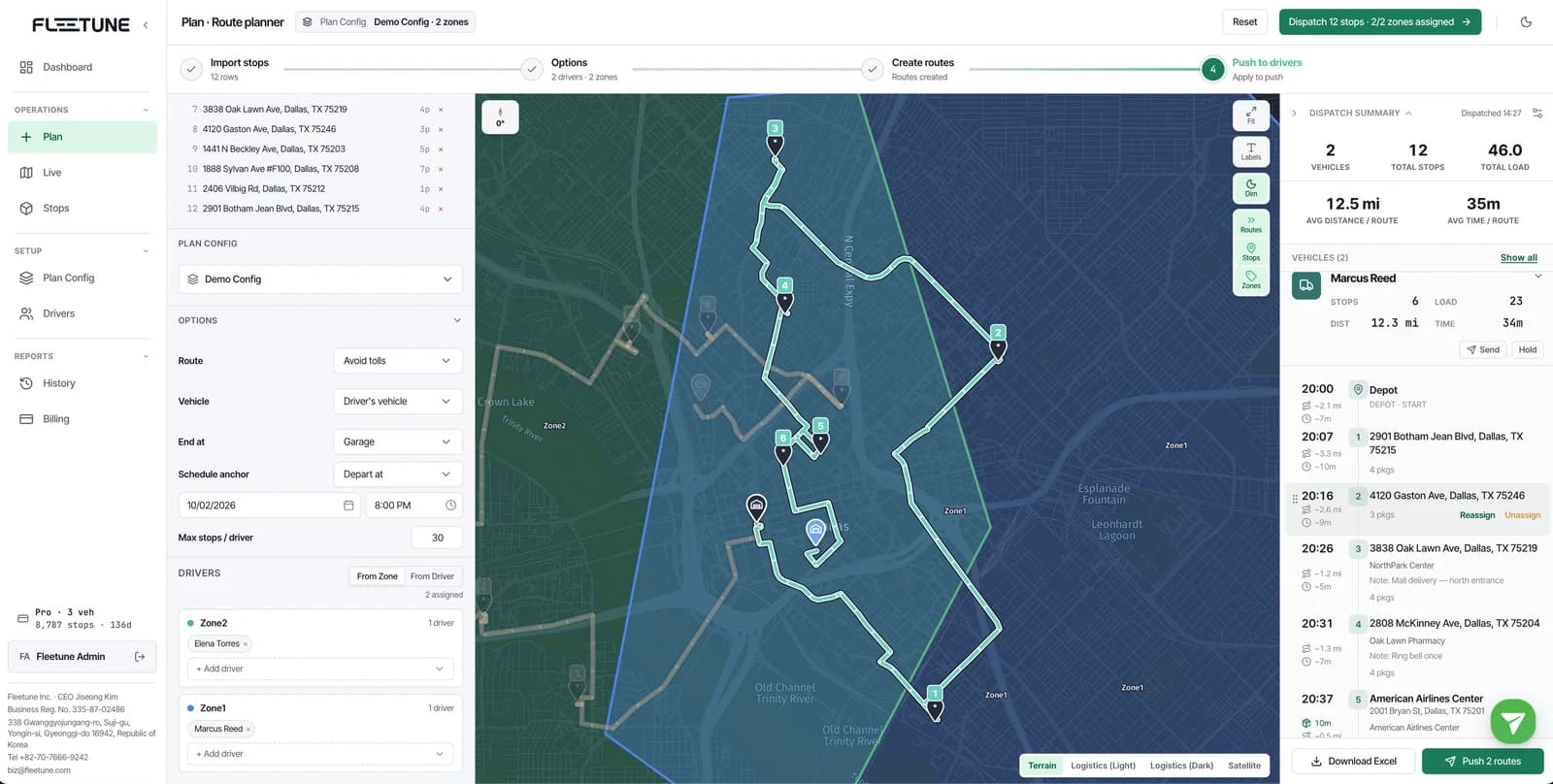
The closest driver on the map may already be full or heading toward a time-sensitive customer. Ben reviews the candidate route’s load and schedule before assigning the stop.
Fleetune’s planning review includes an Assign to Route action for unassigned stops. Ben uses the review stage to resolve the assignment before publishing the routes.
Then Ben asks a separate question: is this a one-time exception or a recurring customer?
For recurring work, he reviews the zone boundary and driver coverage. Fleetune supports drawing delivery zones and overlaying past stop locations, which can help a dispatcher compare the territory map with actual demand.
If the stop mix changes substantially each day, Standard dispatch is another option to evaluate because it plans without fixed zone boundaries.
A simple check for territory-based dispatch
Before drivers leave, make these questions routine:
- Does each active delivery zone have an assigned driver?
- Did any orders fall outside the configured zones?
- Can the selected route accommodate each manually assigned exception?
- Does every held order have an owner and a next step?
- Are repeat exceptions telling you that a boundary needs updating?
At the next morning’s dispatch, Ben looks for the edge cases before looking at the finished routes.
It is a small change in attention. But it helps him answer the customer’s question with a driver’s name instead of another search through the spreadsheet.
See how Fleetune handles Zonal dispatch and unassigned stops, or start a free trial with your delivery territories.