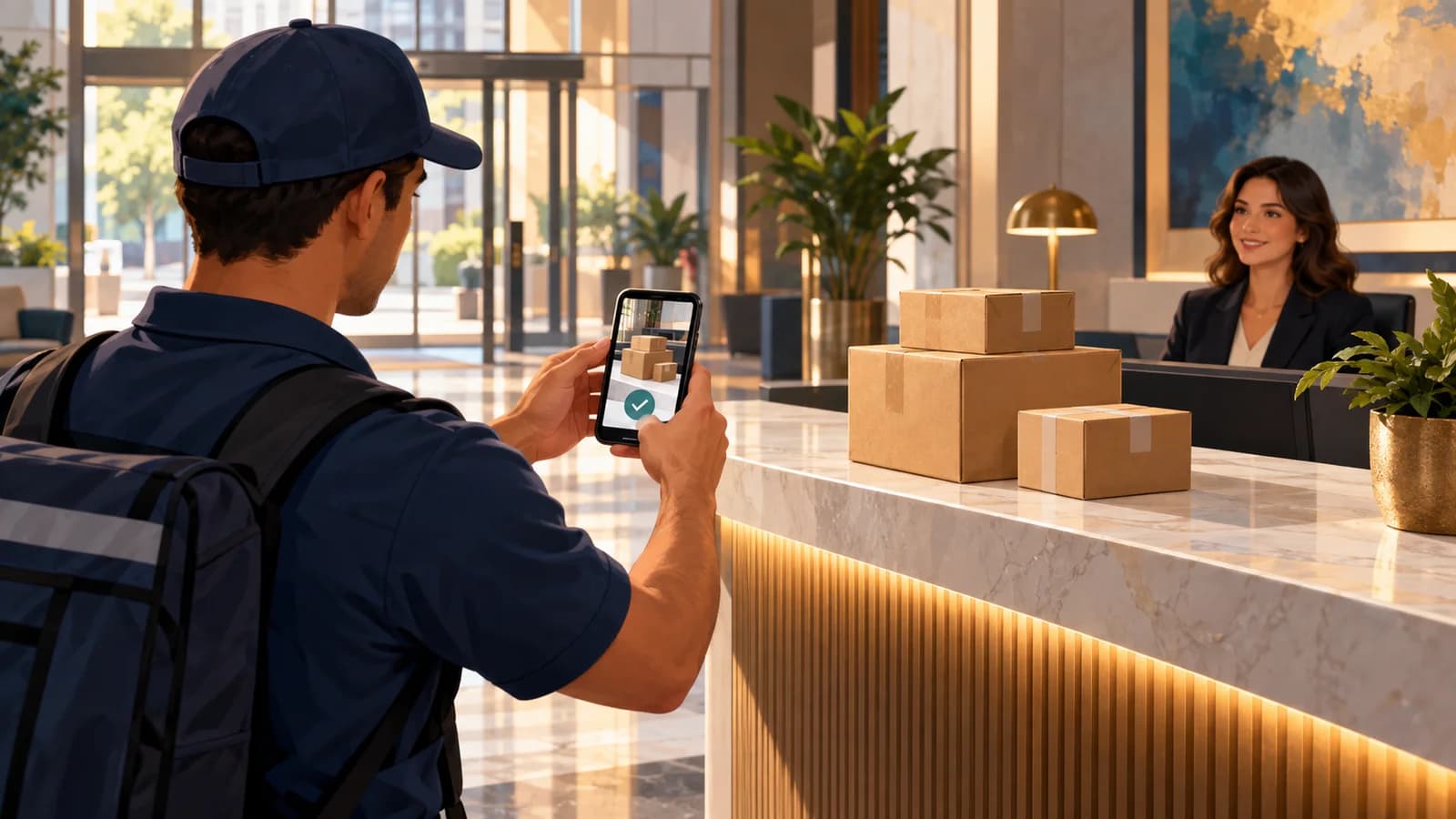
An illustrative dispatch story. People and events are fictional; screenshots show the Fleetune product workflow.
It is 4:40 p.m., and Sam is trying to close out the day when the phone rings.
A customer is waiting for three cartons. The order shows delivered. The cartons are nowhere in sight.
Sam calls the driver.
“I left them with someone at the front desk,” the driver says. “I think. There were a few office deliveries today.”
Sam believes the driver made the delivery. The customer is equally certain nothing arrived at the receiving desk. Neither memory gives Sam enough information to help.
This is where proof of delivery software earns a place in the operation: it gives the dispatcher a record to investigate while the details are still recoverable.
A delivery status is the beginning of the answer
“Delivered” tells Sam how the stop was closed. It does not, by itself, explain where the cartons were placed or who received them.
Sam needs enough context to connect the delivery record with the customer’s building.
A useful record might include a photo of the drop-off location, a recipient signature when required, and a short note about the handoff. Each piece answers a different question.
In this story, the cartons went to the building’s shared lobby desk. The customer’s receiving team was looking at a separate entrance around the corner.
That is a problem Sam can help solve, once the location is clear.
Capture the detail while the driver is there
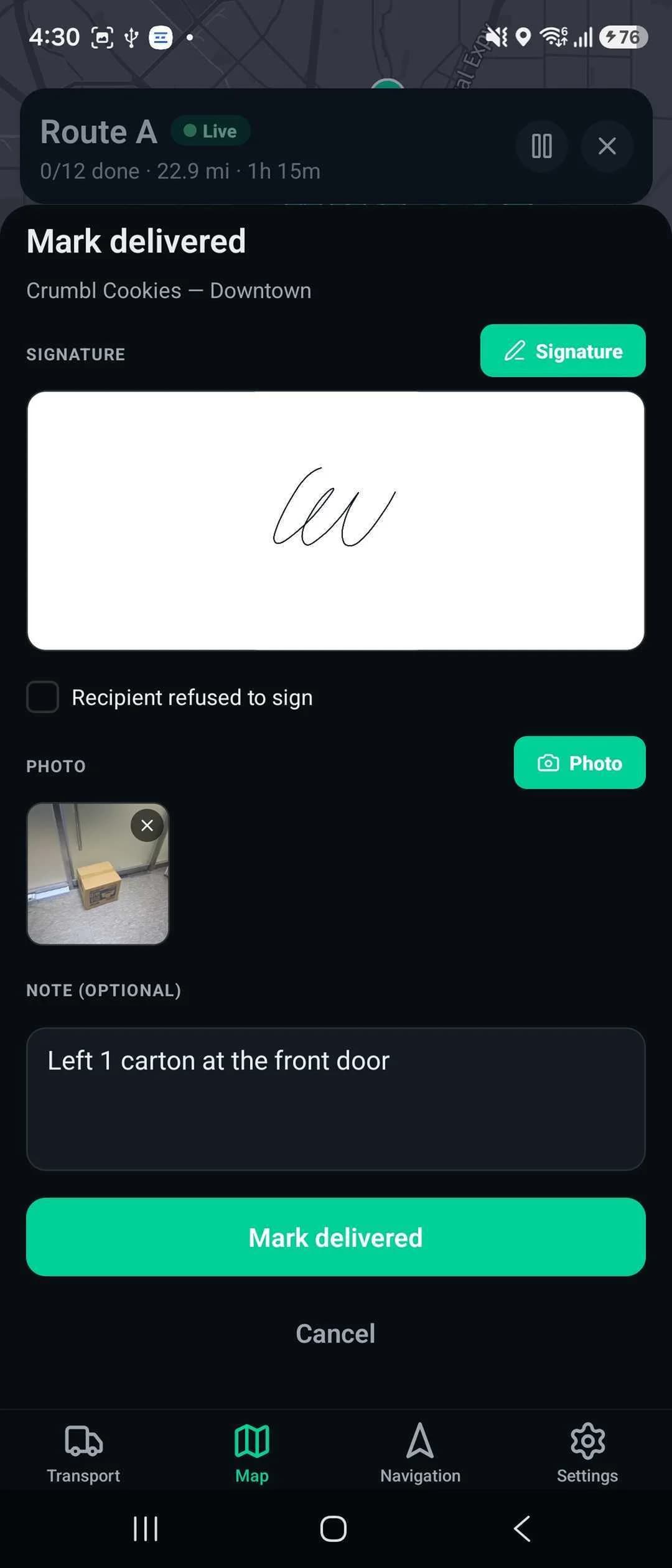
Sam updates the team’s delivery confirmation routine.
Where photos are appropriate, drivers should show enough of the drop-off context to help locate the order. A close-up of cardboard may show a package without showing where it was left.
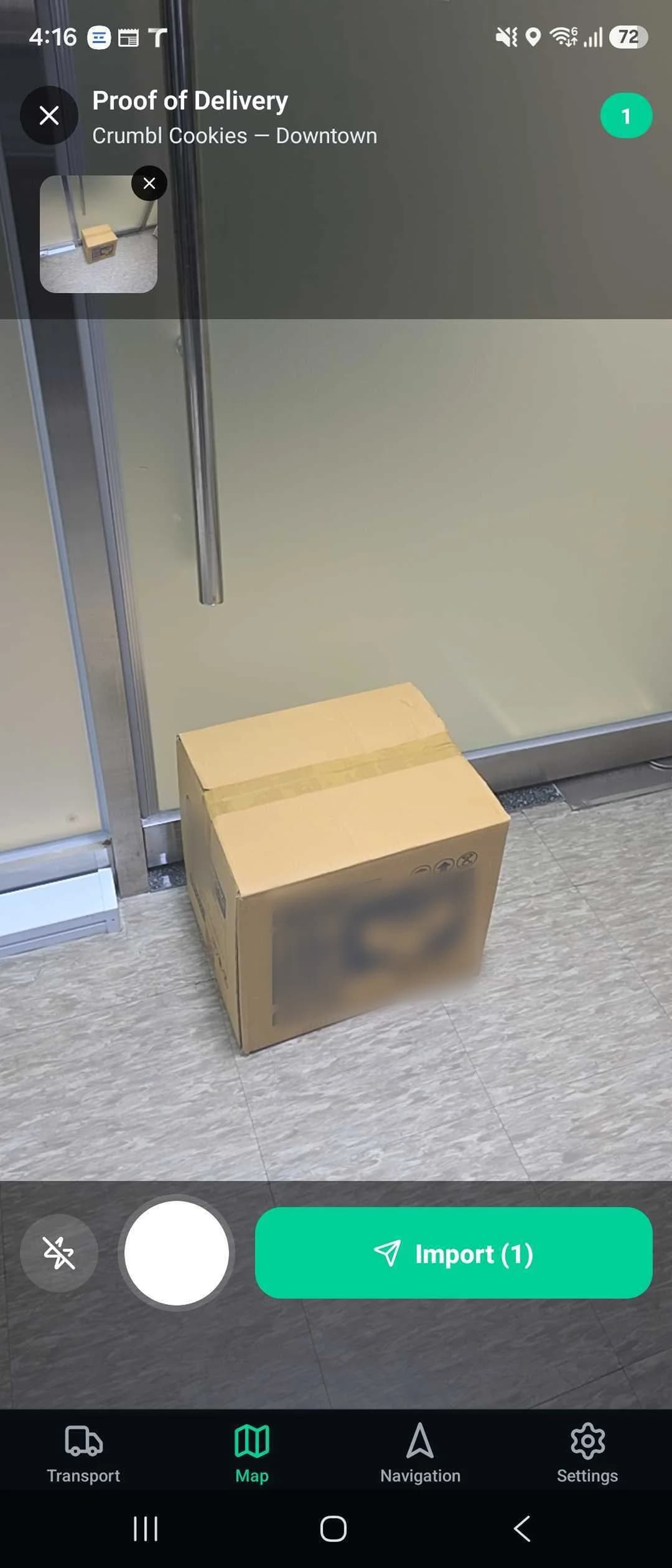
Notes should be specific and relevant: which approved receiving location was used, or which handoff detail the dispatcher may need later. Avoid unnecessary personal information in photos or notes.
For deliveries requiring a signature, the driver follows that requirement and records exceptions accurately rather than treating any completed screen as equivalent to a recipient’s signature.
Fleetune TMS supports photo and signature requirements at the stop level. In the driver app, the proof-of-delivery workflow allows photo or signature capture and an optional note. Dispatchers can review submitted proof from the console.
Electronic proof of delivery works best when the team agrees on what a useful record looks like before a customer calls.
Use the record to help the customer
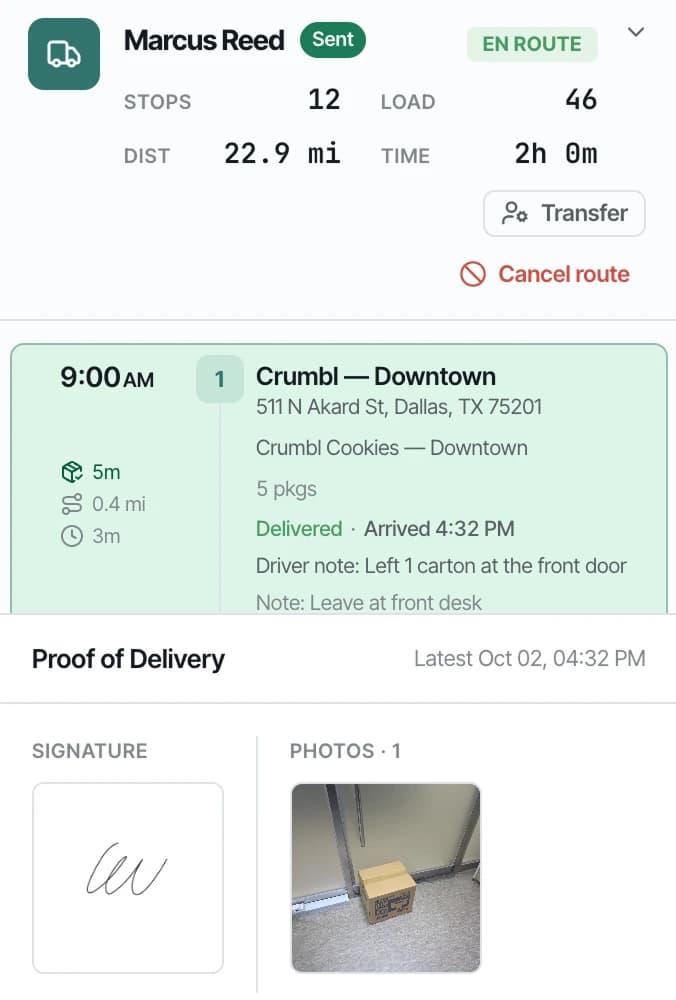
On a later delivery query, Sam starts by confirming the order and address, then opens the relevant stop and checks the delivery evidence.
A photo shows the cartons at the agreed receiving location. The note identifies the lobby desk. Sam asks the customer to check there while the driver is available for any follow-up.
The tone matters. “Here’s what we can see; let’s find it together” is a more useful opening than treating a delivered status as the end of the conversation.
If the record is incomplete or points to the wrong location, Sam still needs to investigate and arrange the appropriate next step.
Give your team a repeatable delivery-query workflow
When a customer reports a missing order:
- Confirm the order reference and delivery address.
- Review the stop’s status and available photos, signature, and notes.
- Compare the recorded location with the customer’s instructions.
- Contact the driver promptly if anything is unclear.
- Record the resolution or next action so the issue has a clear owner.
Sam’s goal is to help the customer get their order and understand what happened. A clear delivery record makes that conversation easier to start.
Explore Fleetune’s driver proof-of-delivery workflow, or start a free trial to review the handoff from driver to dispatch.